Teach Claude your way of working
Turn your expertise, procedures, and best practices into reusable capabilities so Claude can apply them automatically, every time.
Get consistent results on specialized tasks
Skills give Claude details on how you want to create documents, analyze data, and automate workflows, so you get consistent outputs every time.
Capture what your organization knows
Package your company’s procedures, best practices, and institutional knowledge so teams work consistently and new members get expert-level results from day one.
Build once, use everywhere
The same skill runs across Claude.ai, Claude Code, and the API without needing to modify for each platform.
Stack skills for complex work
Combine skills for multi-step workflows. Claude uses what’s needed, when it’s needed—no manual selection required.
Claude comes with built-in skills for common workflows. You can add your organization’s procedures, or build your own from scratch.
Built-in workflows
Claude can handle the essentials every team needs.
- Create Excel sheets with working formulas, Powerpoints with your branding, and more
- Analyze and visualize your own data
- Convert and transform files between formats
Company-specific skills
Package your organization’s knowledge so everyone gets consistent results.
- Apply brand guidelines or follow preferred formats in docs, meetings notes, and more
- Use pre-built skills for financial services (opens in new tab), like DCF modeling and comps analysis
- Create industry-specific workflows, like healthcare documentation or compliance procedures
Individual workflows
Create skills for how you personally work.
- Build custom note-taking systems
- Make your own development workflows
- Create research and analysis methods for Claude to follow
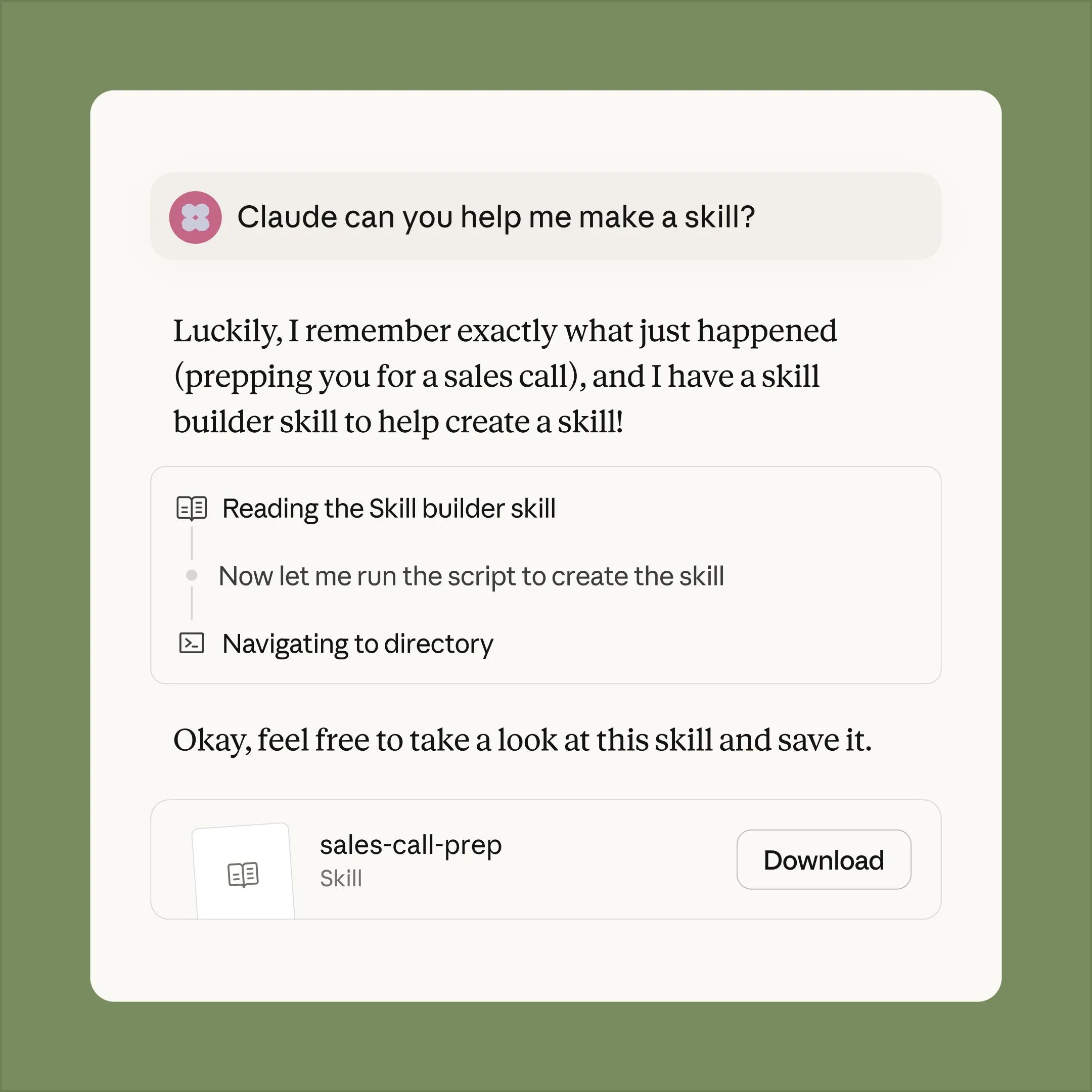
Try the skill-creator skill
Describe what you want, and Claude generates the folder structure, formats the SKILL.md file, and bundles your resources.
---
name: internal-comms
description: A set of resources to help me write all kinds of internal communications, using the formats that my company likes to use. Claude should use this skill whenever asked to write some sort of internal communications (status reports, leadership updates, 3P updates, company newsletters, FAQs, incident reports, project updates, etc.).
license: Complete terms in LICENSE.txt
---
## When to use this skill
To write internal communications, use this skill for:
- 3P updates (Progress, Plans, Problems)
- Company newsletters
- FAQ responses
- Status reports
- Leadership updates
- Project updates
- Incident reports
## How to use this skill
To write any internal communication:
1. **Identify the communication type** from the request
2. **Load the appropriate guideline file** from the `examples/` directory:
    - `examples/3p-updates.md` - For Progress/Plans/Problems team updates
    - `examples/company-newsletter.md` - For company-wide newsletters
    - `examples/faq-answers.md` - For answering frequently asked questions
    - `examples/general-comms.md` - For anything else that doesn't explicitly match one of the above
3. **Follow the specific instructions** in that file for formatting, tone, and content gathering
If the communication type doesn't match any existing guideline, ask for clarification or more context about the desired format.
## Keywords
3P updates, company newsletter, company comms, weekly update, faqs, common questions, updates, internal comms
Develop your own SKILL.md file
For developers who want full control, skills are just folders with a SKILL.md file containing instructions in Markdown. Add reference files, executable scripts, or code—whatever Claude needs to do the job.

“Skills guide how Claude works in the design canvas, bringing consistency and reliability to agent workflows in Figma. Teams can use Claude to build Figma assets that stay true to their craft and vision, and move fluidly between code and the canvas—without losing context.”

“Skills teaches Claude how to work with Box content. Users can transform stored files into PowerPoint presentations, Excel spreadsheets, and Word documents that follow their organization's standards—saving hours of effort.”

“With Skills, Claude works seamlessly with Notion - taking users from questions to action faster. Less prompt wrangling on complex tasks, more predictable results.”

“Skills streamline our management accounting and finance workflows. Claude processes multiple spreadsheets, catches critical anomalies, and generates reports using our procedures. What once took a day, we can now accomplish in an hour.”

“Canva plans to leverage Skills to customize agents and expand what they can do. This unlocks new ways to bring Canva deeper into agentic workflows—helping teams capture their unique context and create stunning, high-quality designs effortlessly.”